Offline multiplayer games for two phones or more
GoFiChat has 16 multiplayer games that run phone to phone over Bluetooth or local Wi-Fi, so 2 to 8 people can play together with no internet and no Wi-Fi network. Each person plays on their own phone, and iPhones and Android phones play together.
The short answer
- No internet, mobile data or router needed. Bluetooth is enough; a shared Wi-Fi or hotspot makes it faster.
- Two players: Pool, Chess, Battleship, Connect Four, Reversi, Air Hockey and Ping Pong.
- Up to 8 players: Odd One Out, Quiz, Draw and Guess, Gumblox, Mini Golf, Bowling, Darts and Memory. Dots and Boxes takes 2 to 4.
- Every game also has a chat, and the room keeps score.
- Free, with no ads and no in-app purchases. No accounts.
Three ways to play together offline
Phones can share a game without internet in three ways. Pass-and-play games run on one phone that you hand back and forth. Bluetooth games link the phones directly, which works anywhere but only over a short distance. Local Wi-Fi games use a network or a hotspot that everyone joins, which is faster but needs that network.
GoFiChat does the second and third at once. The phones link over Bluetooth Low Energy wherever you are, and also over Wi-Fi when everyone shares a network or one phone's hotspot. The network doesn't need internet access. Everyone has their own screen, so in Battleship nobody sees your fleet, and in Odd One Out only you see your word.
Games by number of players
| Players | Games |
|---|---|
| 2 | Pool, Chess, Battleship, Connect Four, Reversi, Air Hockey, Ping Pong, and every game below except Odd One Out |
| 3 to 4 | Dots and Boxes, Odd One Out, and every game below |
| Up to 8 | Odd One Out, Quiz, Draw and Guess, Gumblox, Mini Golf, Bowling, Darts, Memory |
Several games can run in one room at the same time, so two people can play chess while the rest of the group races at Gumblox.
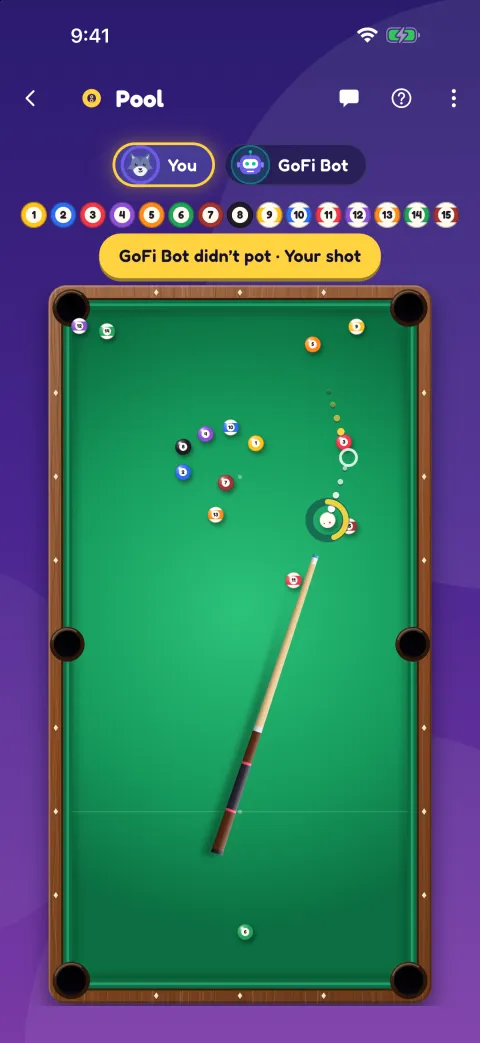
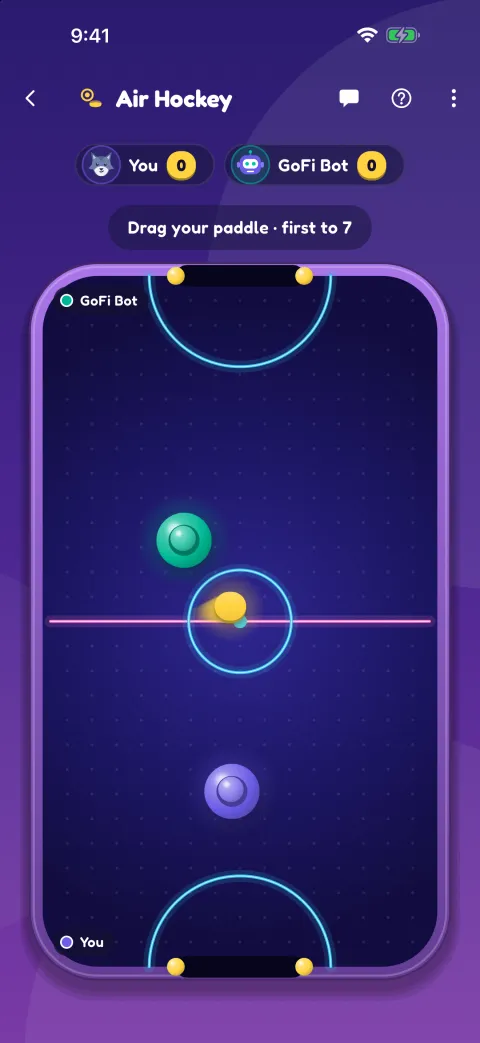
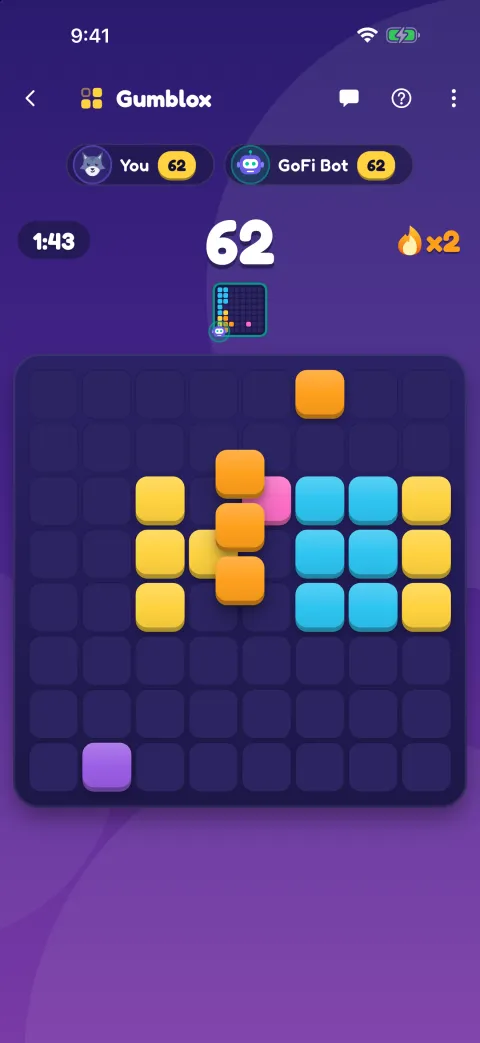
How the games stay in sync
Turn-based games keep one move log for the room. The phone the room runs through puts every move in order, so the board is the same on every phone, and a phone that drops out and comes back catches up from the log. If you stop partway, the game is still there the next time the room opens, with Carry on.
Air Hockey and Ping Pong are played live. The first player's phone runs the table and sends it to the other phone about 20 times a second, and the other phone sends back its paddle. They work over Bluetooth and are smoothest when the two phones share Wi-Fi or a hotspot.
Start a game on two phones
Install on both phones
Get GoFiChat on each phone while you have internet. Playing doesn't need it.
Start a room and join it
One phone taps Start a room. The other scans its QR code and comes straight in, or types the 6-digit code and waits to be let in.
Pick a game
Tap the controller button and choose a game. The other player taps Join, and a two-player game starts at once.
Want to start straight from a game? Tap it on the home screen, then Play with friends: GoFiChat starts a room with that game's table already open.
Where people play
On flights and trains, on long drives (passengers only), at campsites and in cabins with no coverage, on ferries, and at school or home without using data. For flights there's a separate guide to games to play on a plane, and for groups in one room, party games in person.
Practice and solo play
The practice room has GoFi Bot, who plays 14 of the games, so you can learn them before a trip. Gumblox, Mini Golf, Bowling, Darts, Memory and Quiz have Play solo, and your phone keeps your personal best in all of them but Memory.
Questions
Can two phones play a game together without internet?
Yes. In GoFiChat the two phones link over Bluetooth, or over a shared Wi-Fi network or hotspot, and play any of the two-player games, or any game for up to 8.
Do iPhone and Android work together?
Yes. All 16 games work between iPhones and Android phones in the same room.
Do we need a Wi-Fi network or a hotspot?
No. Bluetooth is enough. A shared network or hotspot is faster, which helps the live games, and it doesn't need internet access.
How far apart can the phones be?
About 10 to 30 metres over Bluetooth, depending on walls and people. Another phone in the room can pass messages along for someone farther away, though live games get laggy that way.
Does it cost anything?
No. GoFiChat is free, with no ads and no in-app purchases, and all 16 games are included.
Read next
Get GoFiChat before you set off
Coming soon to the App Store and Google Play. It's free.
It's free. Installing needs internet, so get it on every phone before you lose signal.